Agents
Autonomous agents with only the access you give them.
How it works

Launchplane runs Kubernetes, LLM Models, Agents and Sandboxes on your compute: your own servers or VMs from any cloud provider. Your data stays on your nodes. We handle the management.
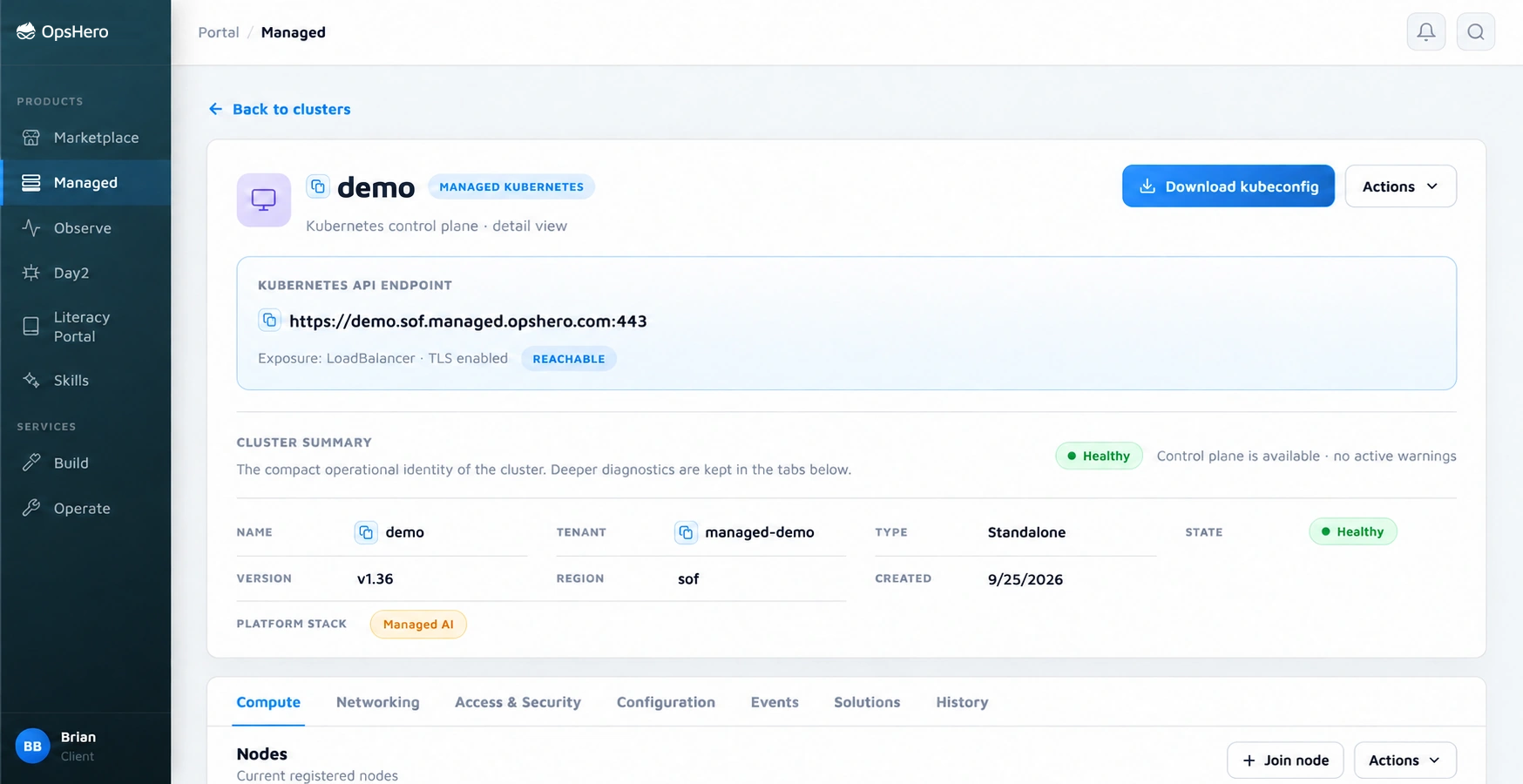
One portal, one cluster list, one set of identities. Use what you need this week.
Autonomous agents with only the access you give them.
How it worksA separate microVM for every agent task.
How it worksManaged Kubernetes on any machine you choose. No public IP needed.
How it worksSigned applications from one catalogue, deployed to any cluster.
How it worksDevelopment, staging and production, set up the same way.
How it worksOpen-weight models on your GPUs, behind one OpenAI-compatible gateway.
How it worksOne OpenAI-compatible endpoint for every model, local or hosted.
How it worksOne approved catalogue of what your agents may use.
How it worksThe Kubernetes API, scheduler and etcd, run for you.
How it worksDashboards and alerts that arrive with the cluster.
How it worksAn SRE agent that starts investigating before anyone is paged.
How it worksPrompts sent to local models are processed on your nodes. We see only the usage data needed for budgets.
This is the whole walkthrough. We do it live, on your machine, before you sign anything.
Pick a Kubernetes version and a region. The control plane comes up on its own TLS endpoint.
Run one command on any Ubuntu machine. No public IP, no inbound firewall rule, no VPN.
Choose an application from the signed registry. It deploys with its endpoint and connection details in one place.
Open-weight models run on your cluster’s GPUs.




Including the pricing one.
Yes. Workloads are standard Kubernetes objects and charts.
No. They need outbound access to the control plane, nothing else.
Volumes stay on your nodes. Prompts to local models are processed on your nodes.
No. Local and hosted models sit behind the same gateway.
You pay per cluster, by the size of its control plane. No limit on nodes or workloads.
Day2 is read-only by default. Nothing changes without a person approving it.
On the call we create a control plane live and join a machine of yours, if you bring one. You leave knowing what moving a real workload would take.
