Clusters
Managed Kubernetes on any machine you choose. No public IP needed.
Open Clusters

Deploy your own software or pick from the catalogue. Either way it runs on your nodes, next to your models, and you see its health from one screen.
A team finishes an internal tool. Then comes the queue.
A server request.
A firewall change.
A certificate.
A monitoring ticket.
A security review.
None of that work is about the application. Launchplane gives the team one place where those steps are already in order.
Anything that runs on standard Kubernetes, deployed with the tools your developers use today. You own the release schedule.
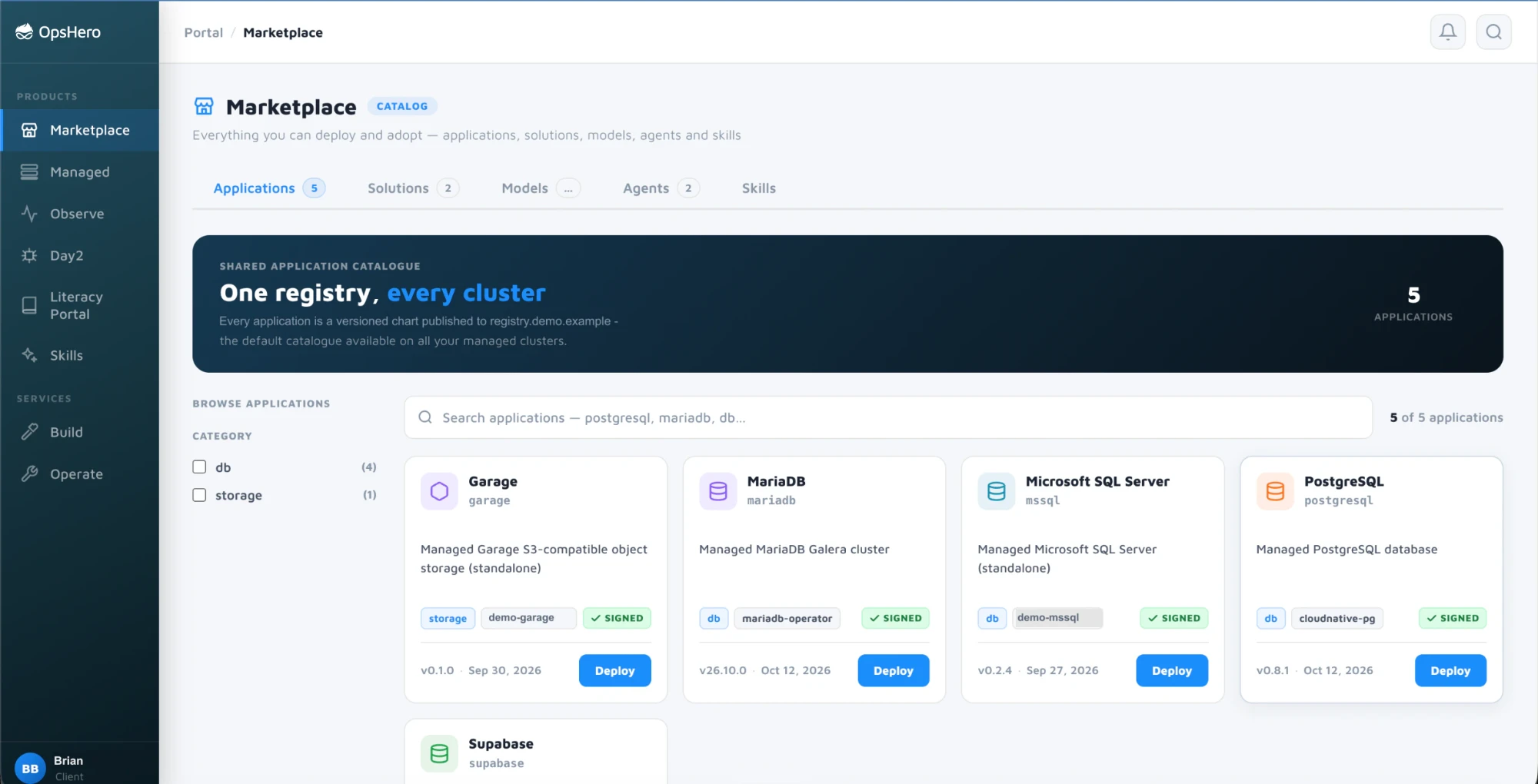
Tested, signed and version-pinned applications, installed in a few clicks into the environment you choose. We tell you when a new version is available.



An application and the environment it goes to.
What it will use: nodes, storage, network access.
Before anything reaches production.
To a development environment.
At an internal address, with a certificate.
To production, once it is approved.
Its health, usage and cost.
It, with a record of who did what.
Five steps, one screen, the same order every time.
An assistant for your support team. A document search for your lawyers. An agent that reads incoming claims.
On Launchplane these applications call models through your own gateway, on your own GPUs. Prompts and responses for local models stay on your nodes.
“I deploy without opening a ticket.”
“I see every application, where it runs and who owns it.”
“I can show where the data is and who approved each change.”
What you always know about an application.
Day2, our SRE agent, watches your applications and prepares a diagnosis. A senior engineer reads every finding. A person approves every change to production.
Your applications run on your nodes. We do not host them.
Launchplane is standard Kubernetes. If you leave, your applications keep running.
We show only applications that install today. No coming-soon cards.
One portal, one cluster list, one set of identities.
Managed Kubernetes on any machine you choose. No public IP needed.
Open ClustersDevelopment, staging and production, set up the same way.
Open EnvironmentsA separate microVM for every agent task.
Open SandboxesAutonomous agents with only the access you give them.
Open AgentsOpen-weight models on your GPUs, behind one OpenAI-compatible gateway.
Open ModelsOne OpenAI-compatible endpoint for every model, local or hosted.
Open AI GatewayOne approved catalogue of what your agents may use.
Open Skills ManagerThe Kubernetes API, scheduler and etcd, run for you.
Open Control PlaneDashboards and alerts that arrive with the cluster.
Open ObservabilityAn SRE agent that starts investigating before anyone is paged.
Open Day2See it running in a walkthrough.
