Applications
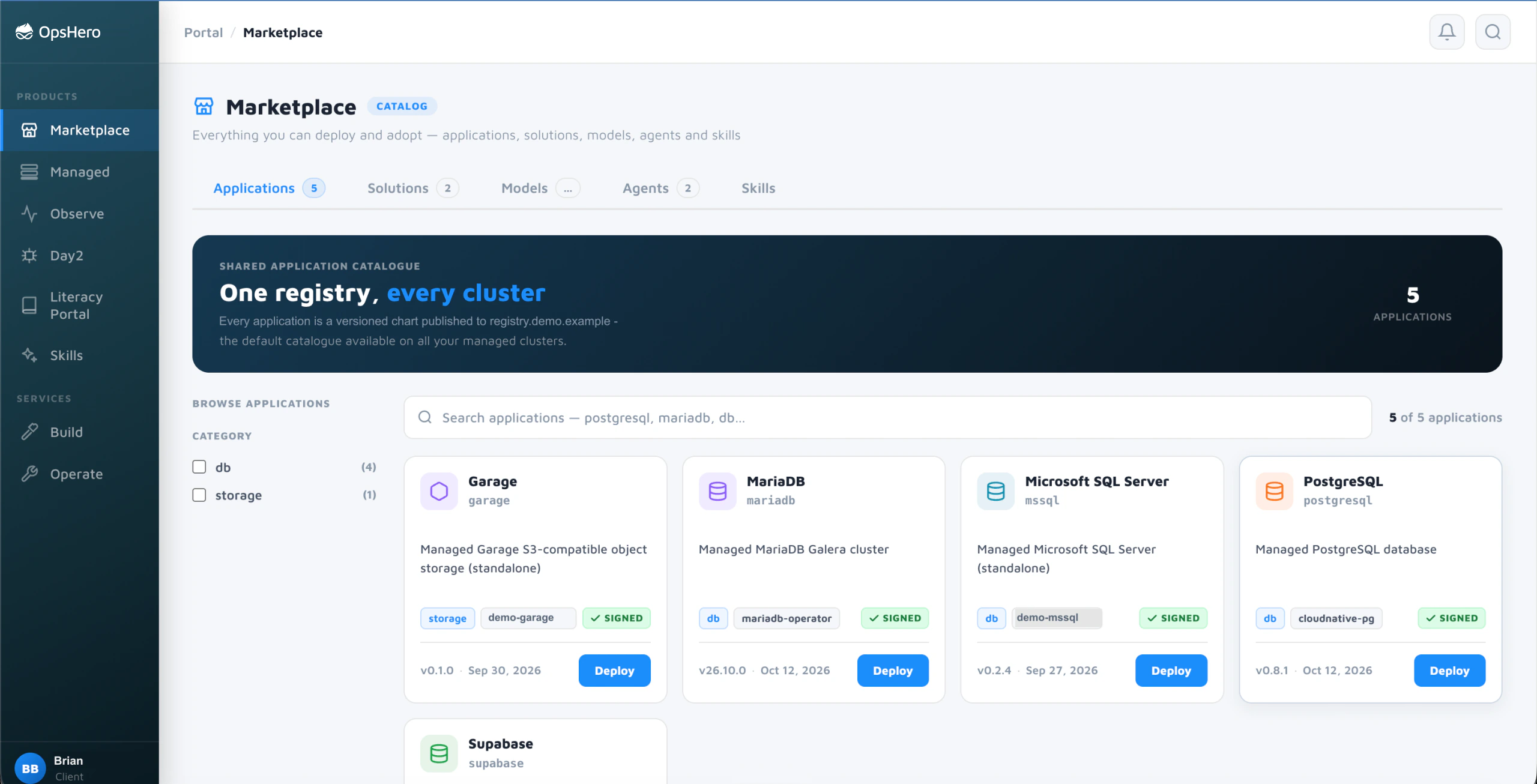
Signed applications from one catalogue, deployed to any cluster.
Open Applications

We host the control plane. You bring the machines: any provider, your own rack, or a server with no public address.
Managed Kubernetes from a cloud provider comes with that provider’s machines. The day you want cheaper compute, a different jurisdiction or a rack of your own, the cluster does not come with you.
Self-managed Kubernetes on your own machines means someone on your team now owns etcd, certificates, upgrades and a control plane that falls over when a noisy workload lands on the same box.
A migration between the two is not copying data. It is rebuilding the cluster, its access, its add-ons and everything that assumed the old one.
The three moves, as they look when you do them.
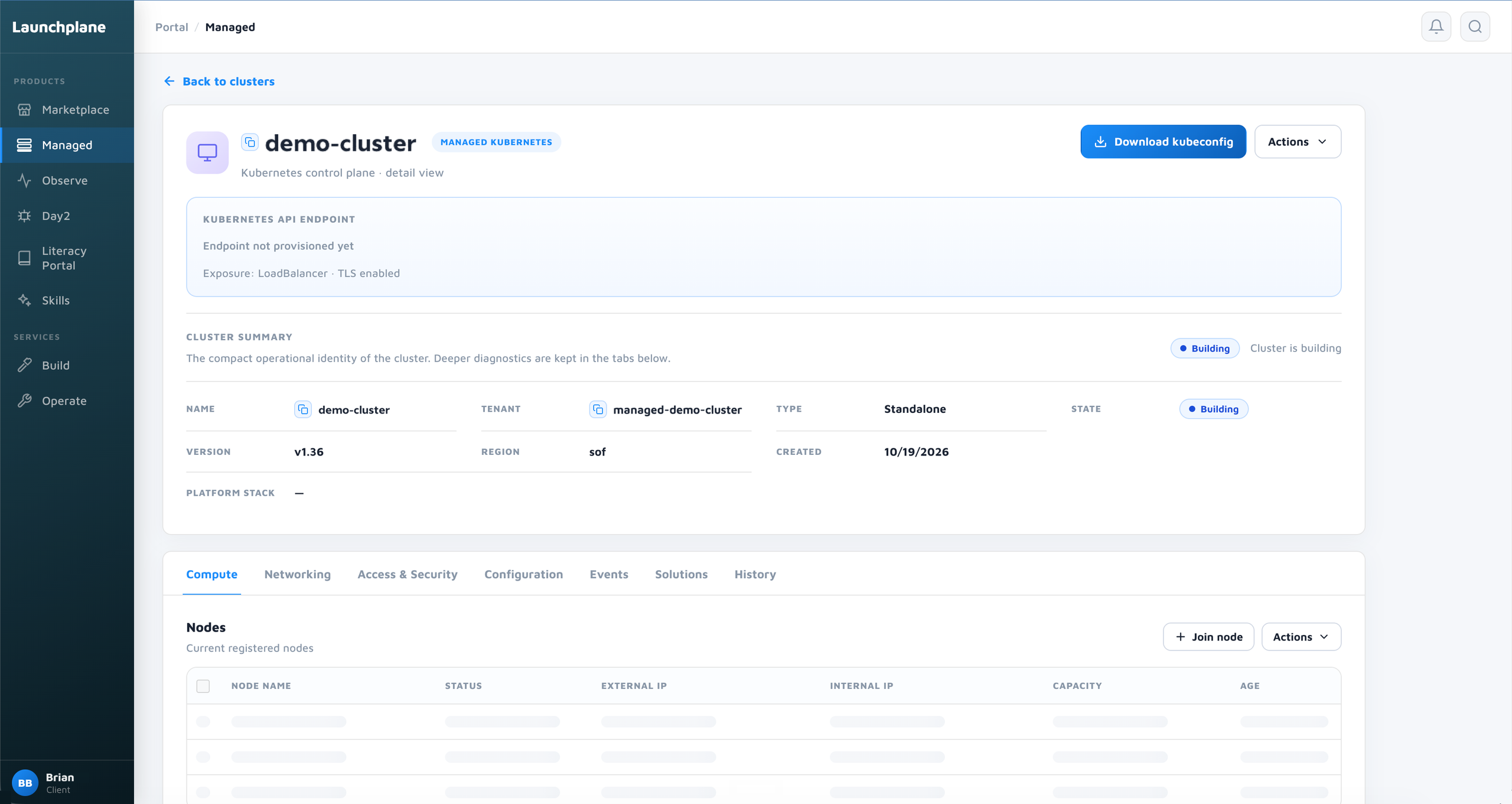
Pick a Kubernetes version and a region. A control plane is up quickly, reachable on its own TLS endpoint.
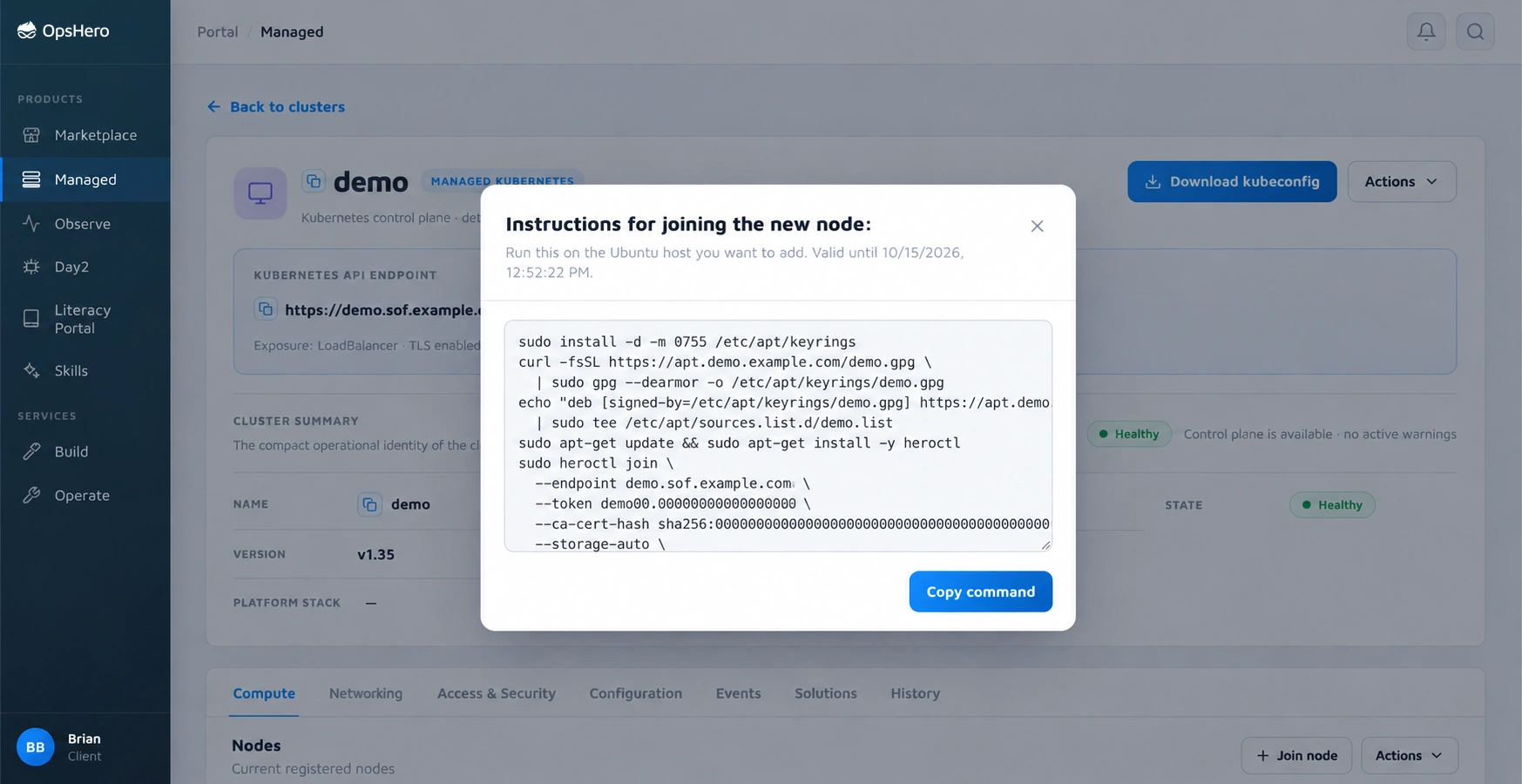
Run one command on any Ubuntu machine that can reach the internet outbound. It checks the host, prepares spare disks if you allow it, and joins. The token expires; it is not a standing key.
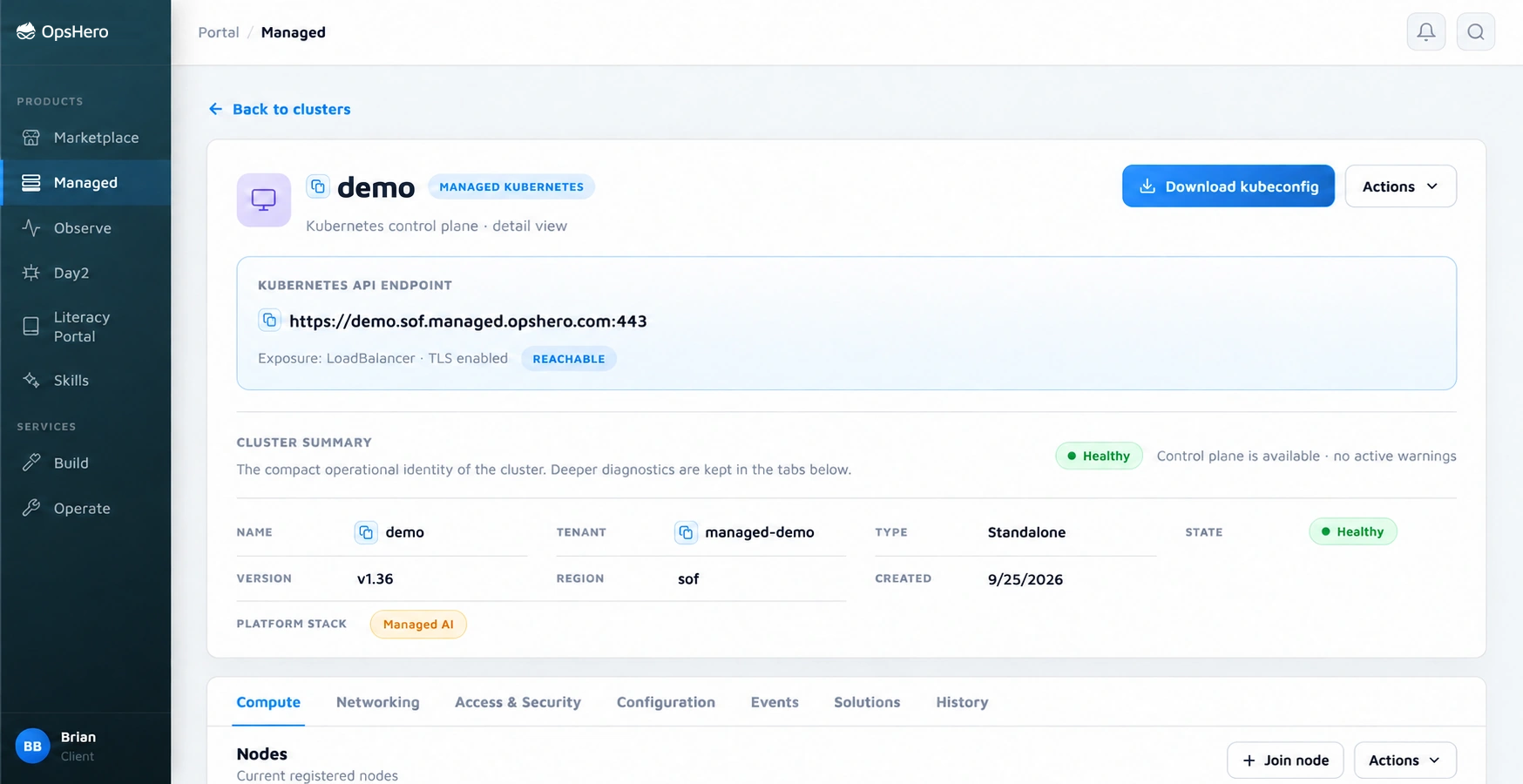
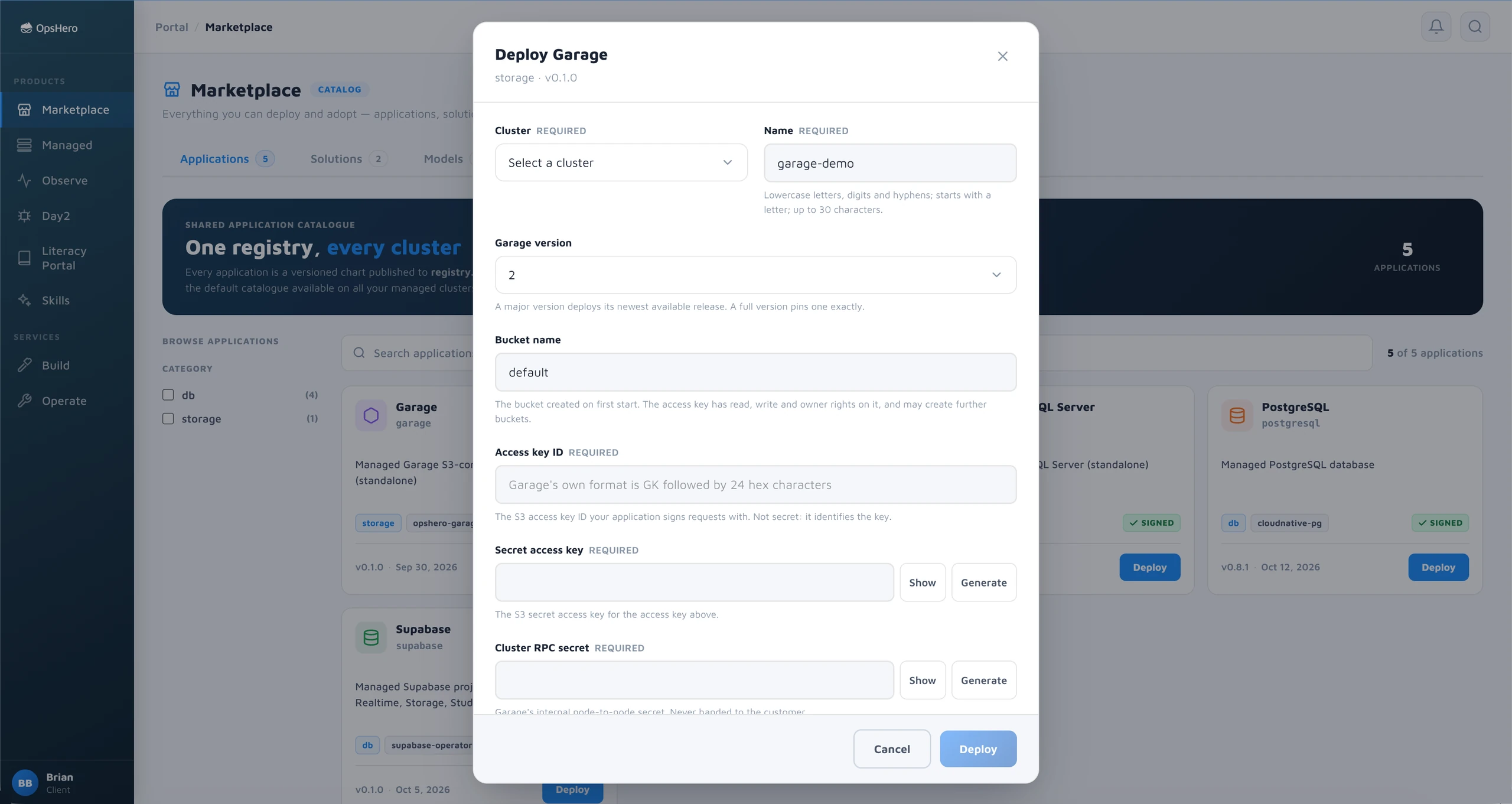
Install from a signed catalogue, or use the kubeconfig with any Kubernetes tool you already have.
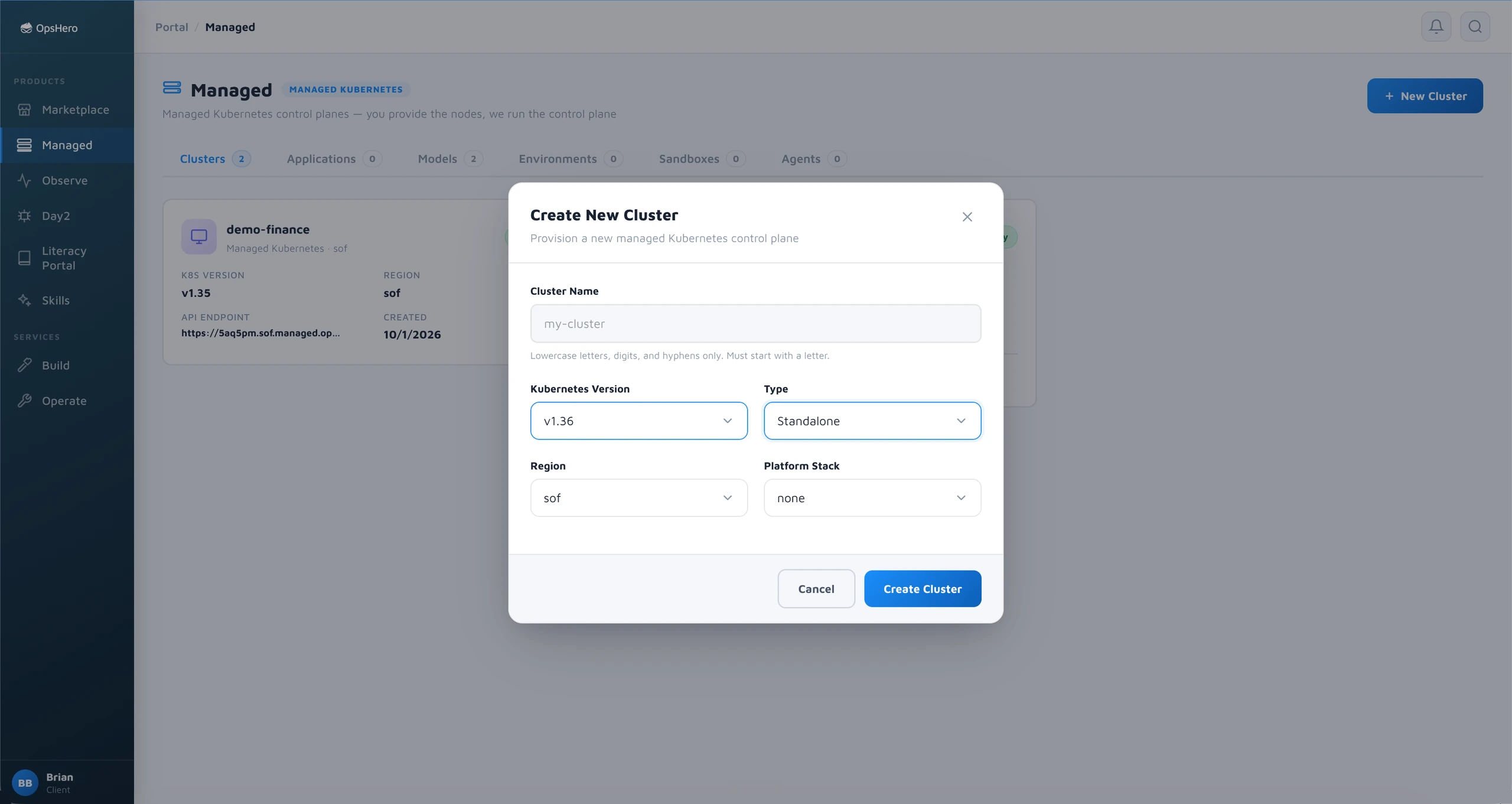
API server, scheduler and etcd run with us, isolated per cluster, on their own endpoint. Your nodes carry only your workloads.
Any Ubuntu host with outbound connectivity. No public IP, inbound firewall rule or VPN required. The join token expires; it is not a standing key.
The cluster and its workloads are monitored automatically, with built-in alerts.
Optional: unused disks on a new node are formatted and handed to the cluster. Disks in use are never touched.
A marketplace of applications in a single registry: versioned, signed and verified, and deployable to any of your clusters.
Download the kubeconfig and use kubectl, Helm or whatever you use today. Nothing here requires our tooling.
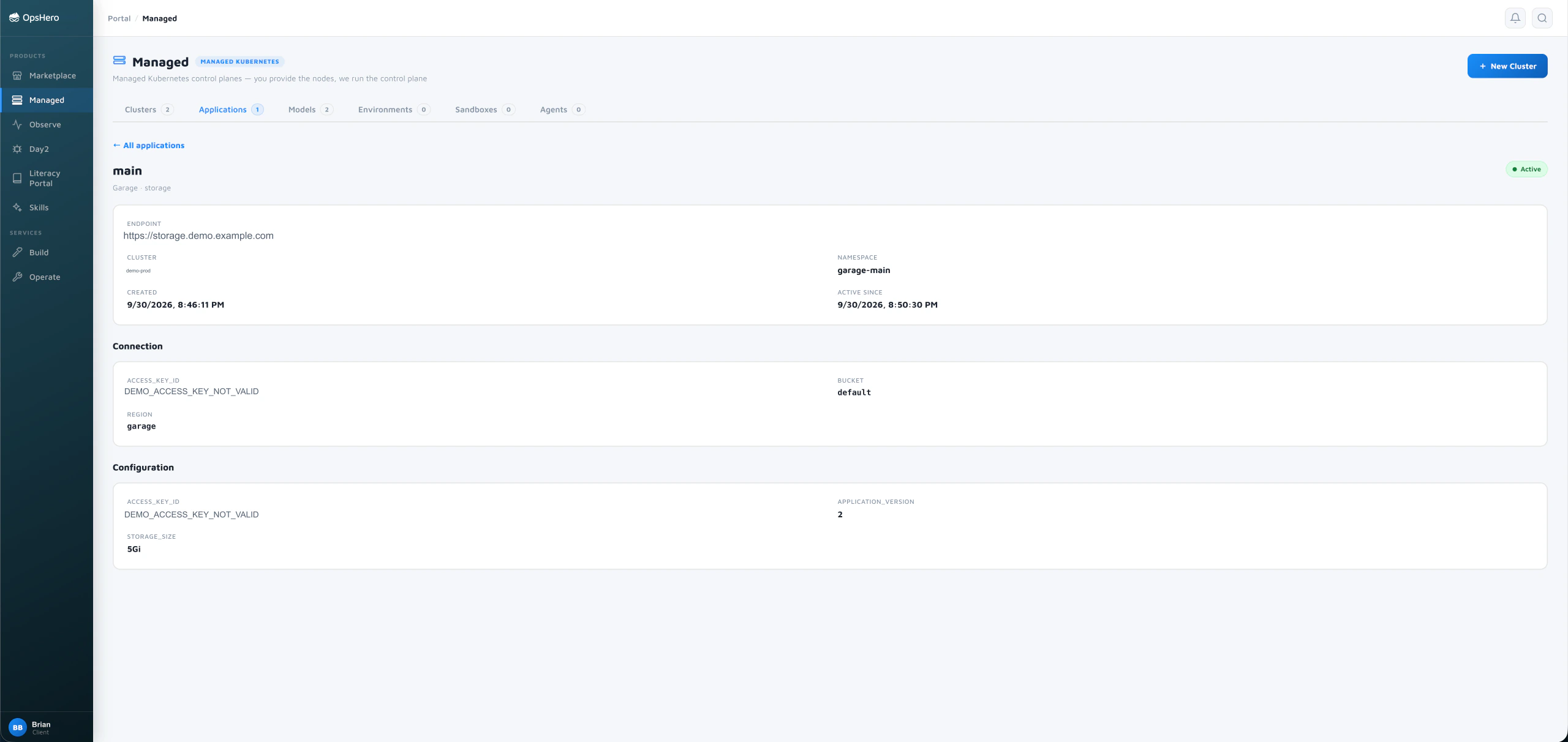
We package it, sign it and keep the chart current. You deploy it and you run it. We tell you when it is unhealthy; we do not go into your cluster to fix it.
 Garage
 MariaDB
 Microsoft SQL Server
 PostgreSQL
 Supabase
We deploy it, run it and answer for it. Upgrades, incidents and tuning are ours, under an engagement.

 OpenClaw
 Hermes Agent
 NanoClaw
 OpenShell
Stays yours
What we hold: the control plane and the platform
This is the part we run. Kubernetes Control Plane, Automation Platform for Application Delivery, AI Gateway, LLM Inference solution, Sandboxes, AI Agents.
Yes. Your workloads use standard Kubernetes objects and charts. Moving to another Kubernetes means re-pointing them, not rewriting them.
Any Ubuntu server, 22.04 LTS or later. 26.04 LTS is recommended.
No. They need outbound access to the control plane endpoint.
Priced per cluster, by the size of its control plane. No limit on nodes or workloads.
One portal, one cluster list, one set of identities.
Signed applications from one catalogue, deployed to any cluster.
Open ApplicationsDevelopment, staging and production, set up the same way.
Open EnvironmentsA separate microVM for every agent task.
Open SandboxesAutonomous agents with only the access you give them.
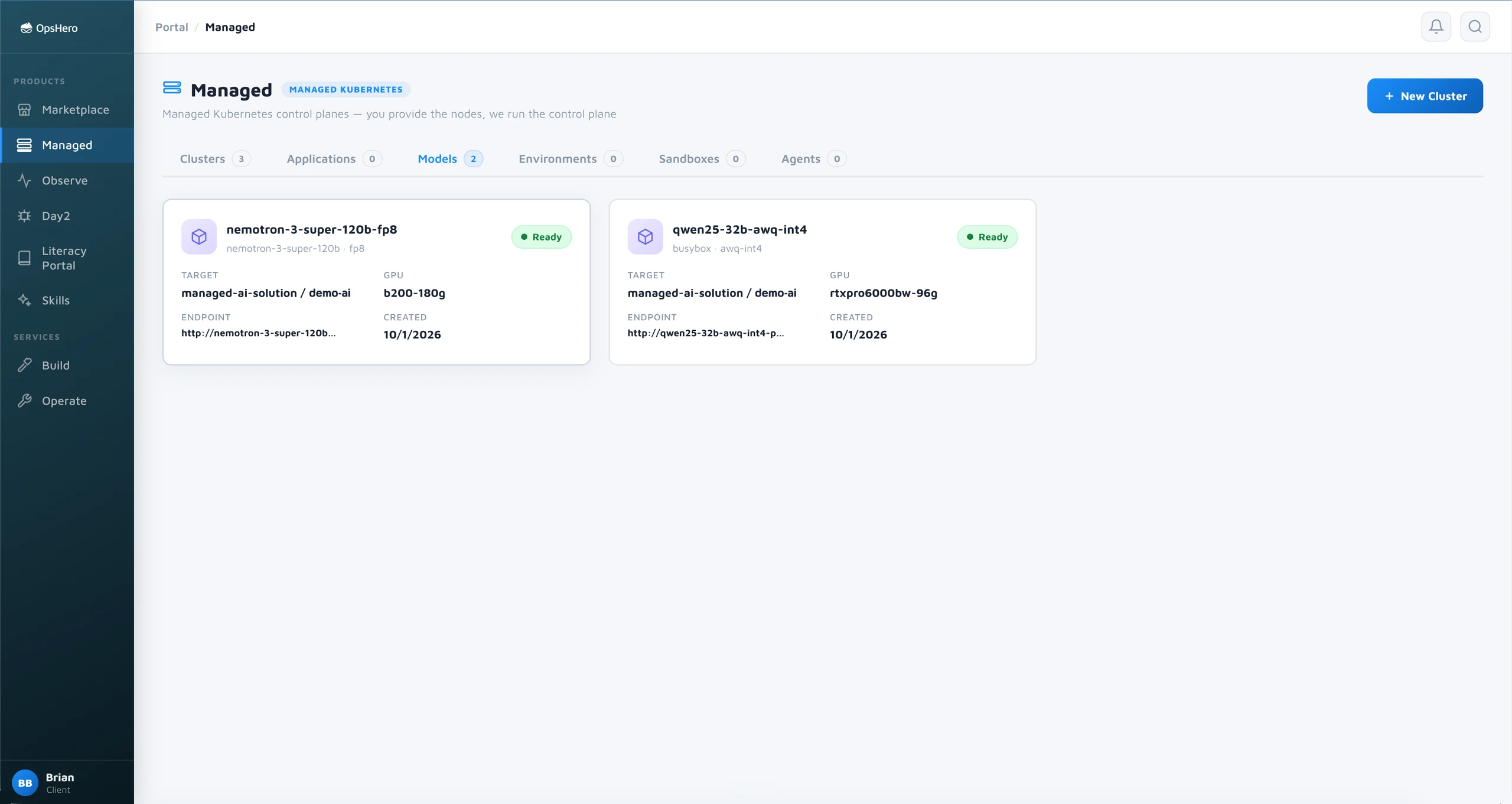
Open AgentsOpen-weight models on your GPUs, behind one OpenAI-compatible gateway.
Open ModelsOne OpenAI-compatible endpoint for every model, local or hosted.
Open AI GatewayOne approved catalogue of what your agents may use.
Open Skills ManagerThe Kubernetes API, scheduler and etcd, run for you.
Open Control PlaneDashboards and alerts that arrive with the cluster.
Open ObservabilityAn SRE agent that starts investigating before anyone is paged.
Open Day2